Design the whole assembly in context.
Base, lid, internal mounts and component clearances remain visible as one coherent parametric system.
 Enclosure Studio
Tester login
Enclosure Studio
Tester login
A browser-native parametric design studio for creating purpose-built, support-free project enclosures—without wrestling with general-purpose CAD.
Configure the shell, lid, mounting, hardware and openings while the model rebuilds around your choices.
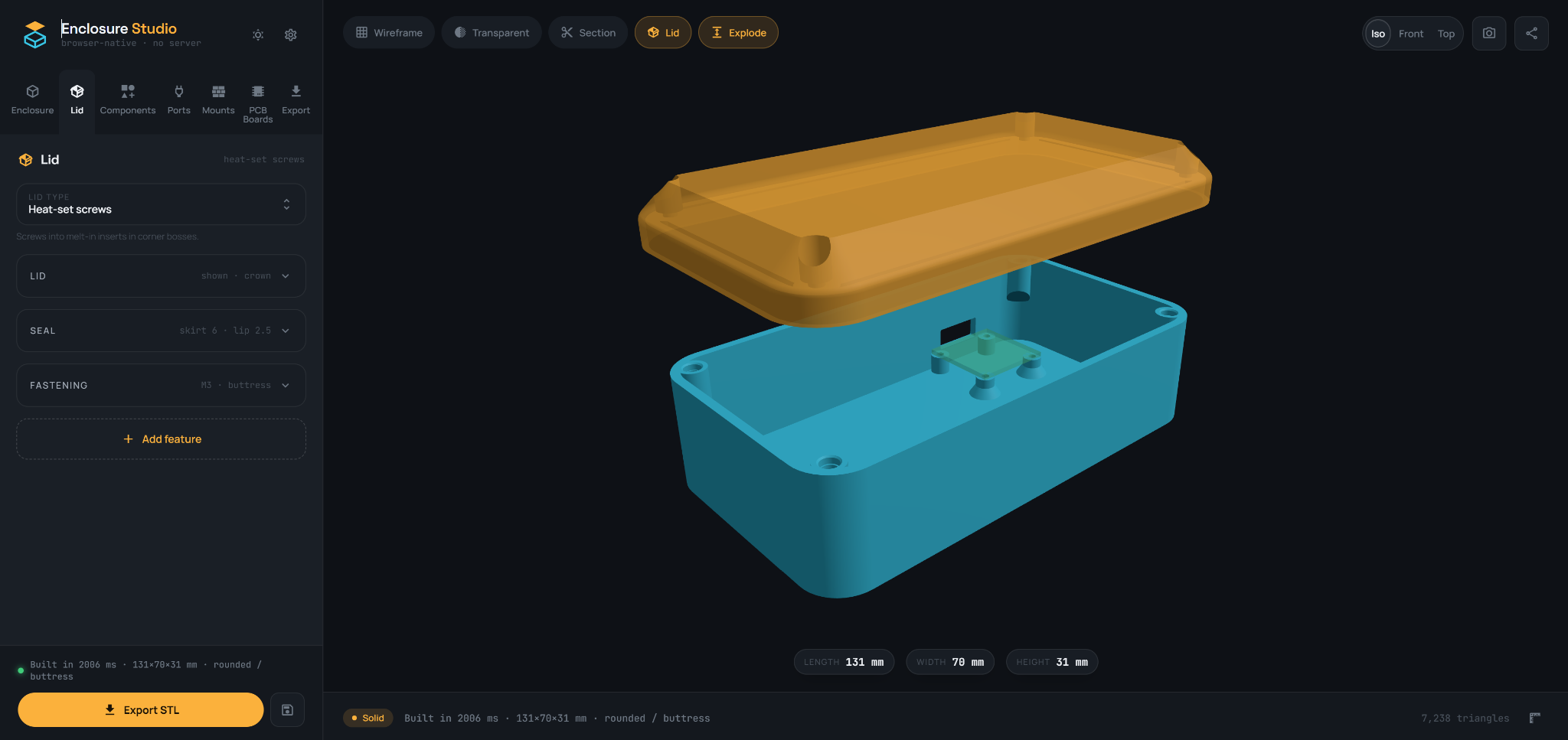
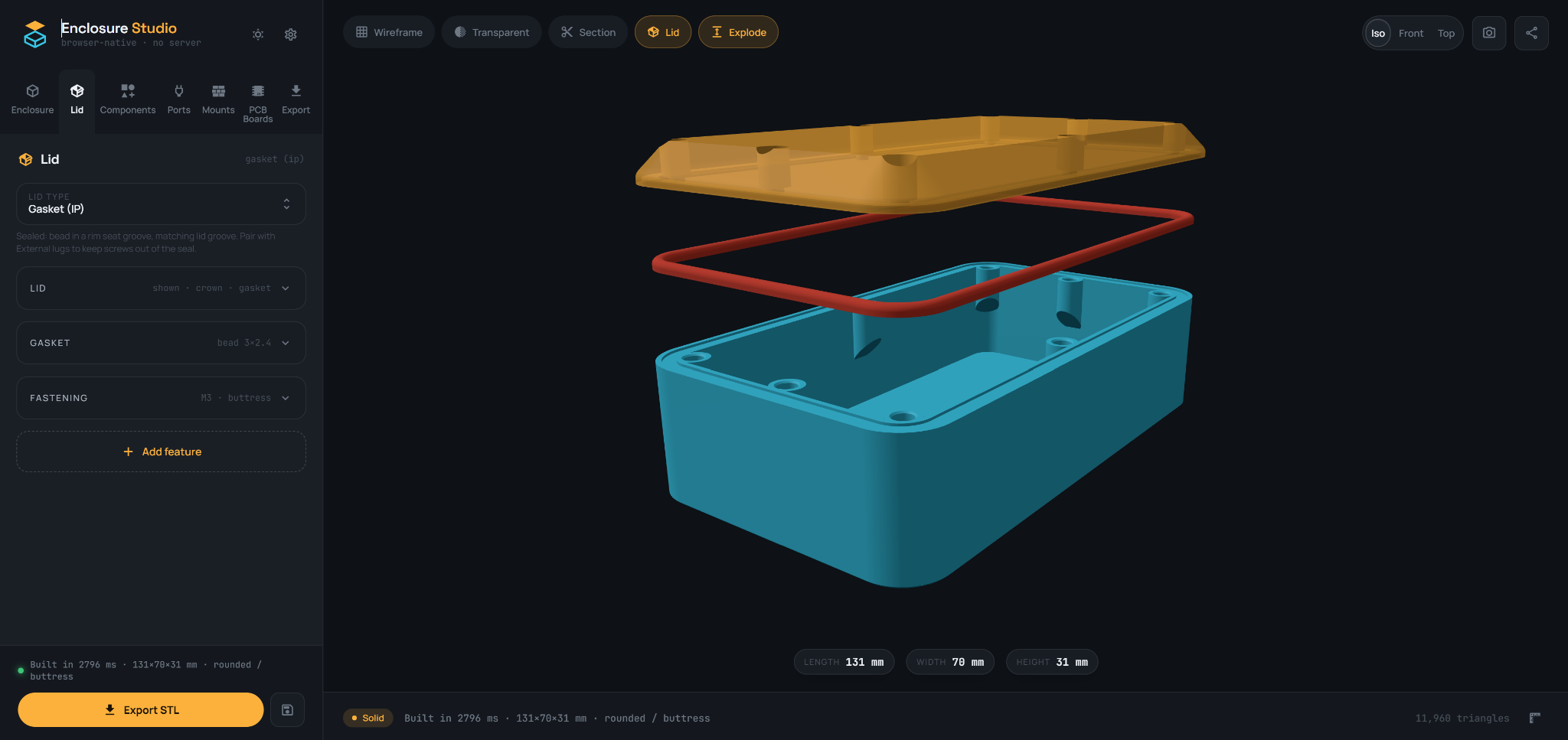
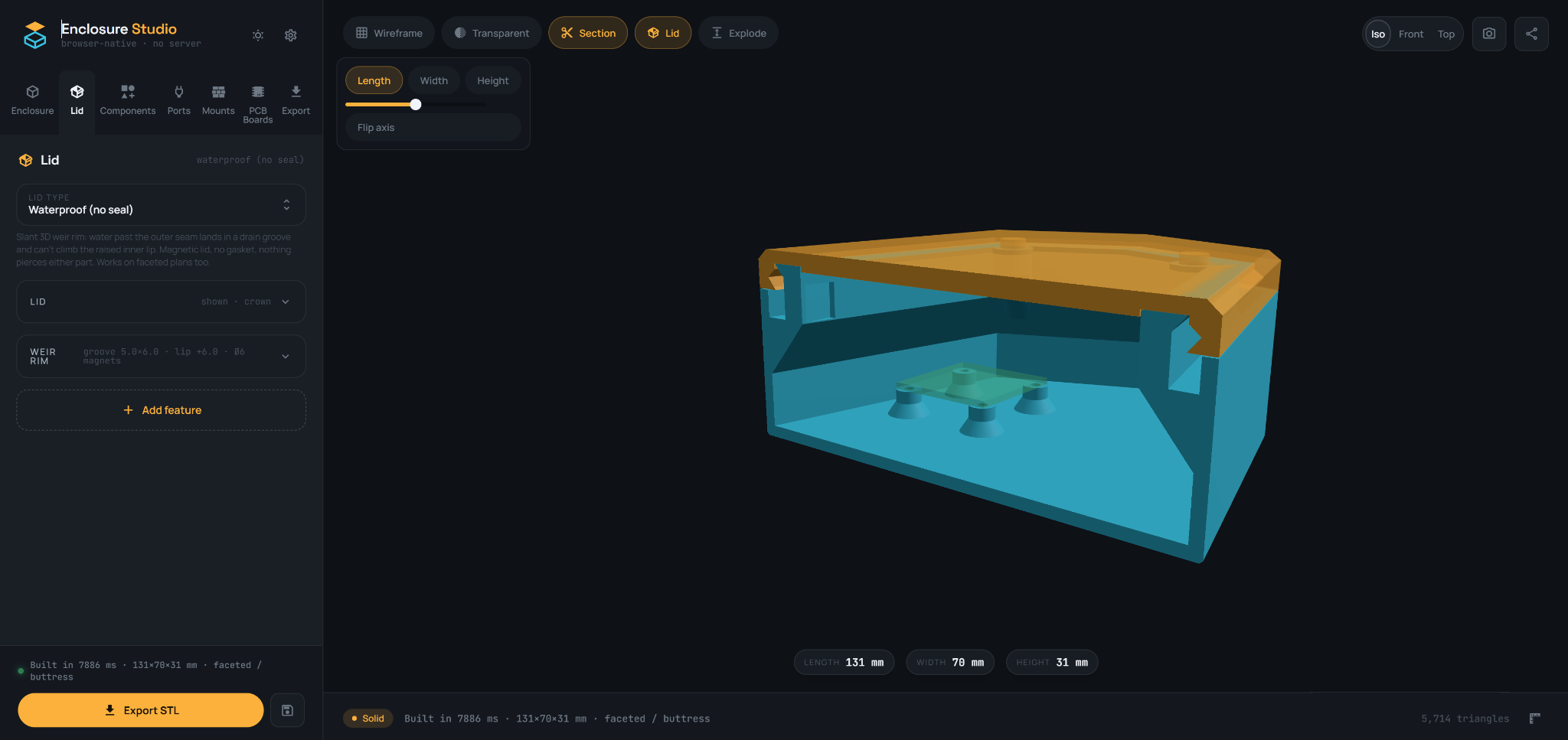
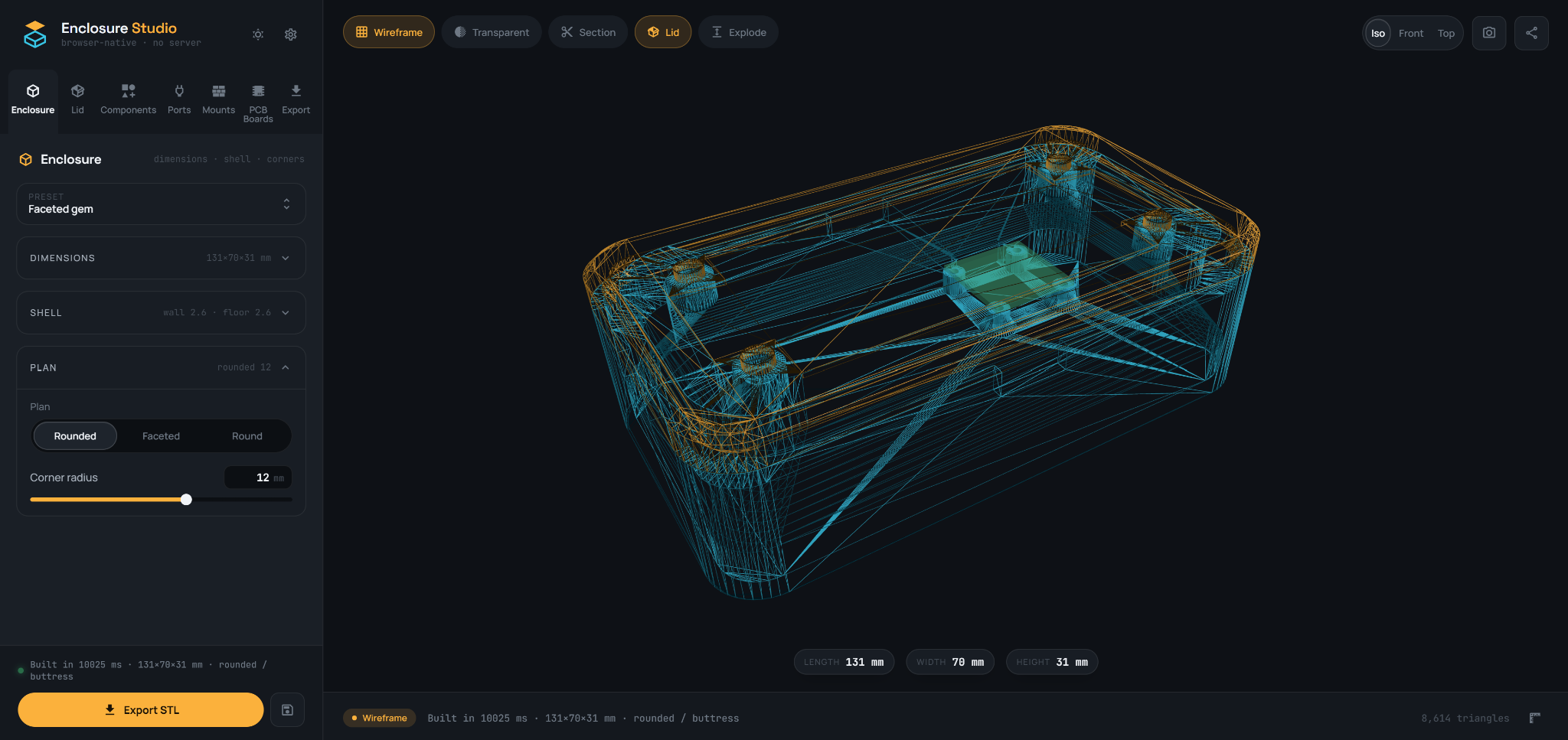
Base, lid, internal mounts and component clearances remain visible as one coherent parametric system.
Purpose-built gasket channels and closure geometry are generated to print cleanly in their intended orientation.
Section views expose wall thicknesses, internal space, lips, mounts and mechanical interference.
Wireframe mode reveals the complete generated geometry so complex features can be checked with confidence.
Change dimensions, wall thickness, floor, corners and plan geometry without rebuilding the enclosure from scratch.
Choose practical closure systems, including friction fit, heat-set screws, magnets, gasketed and hinged options.
Place common components and openings with the clearances and supporting geometry already considered.
Add pre-checked boards, switches, displays, fans and connectors with their mounting geometry and clearances already defined.
Bases, lids and generated features are engineered for clean support-free FDM printing in their intended orientation.
Export STL for printing, STEP for continued CAD work, or 3MF for richer manufacturing workflows.
Add functional ports and enclosure details as part of the design, with geometry formed around the wall instead of manually cutting or rebuilding the finished print.
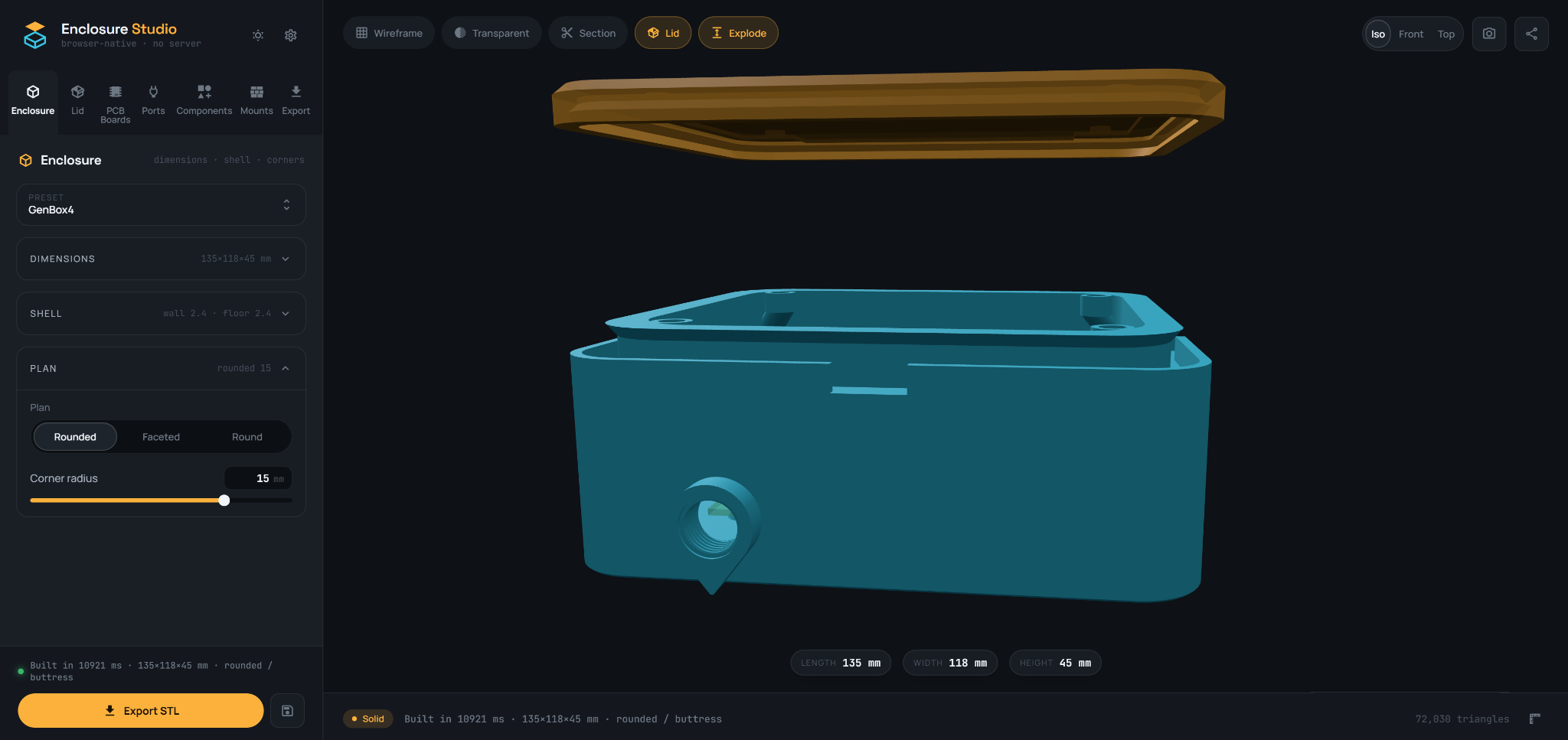
Enclosure Studio turns a normally repetitive CAD task into a direct, visual workflow.
Define the size, shell and overall form.
Place mounts, closures, parts and ports.
Use section, transparent and exploded views.
Take support-free geometry directly into your FDM workflow.
Early testers get access to the full browser studio and a direct line for feedback. We’re looking for makers, product designers and 3D-printing professionals with real enclosure projects.
Private beta
Tell us about the projects you want to build. Applications are reviewed individually.
Thanks for your interest. We’ll review your application and contact you at the email provided.